
Secure Your Accounts Today
Generate powerful passwords that safeguard your email, banking, social media, and more.
Features
The strength meter analyzes your password's resistance to common attacks and categorizes it as Weak, Average, or Strong.

Set your desired password length to balance convenience and security. The longer the password, the harder it is to crack.

The more character variations you include, the more unpredictable and secure your password becomes.

Create a highly secure, unpredictable password using advanced randomization to protect your accounts from unauthorized access.

How It Works
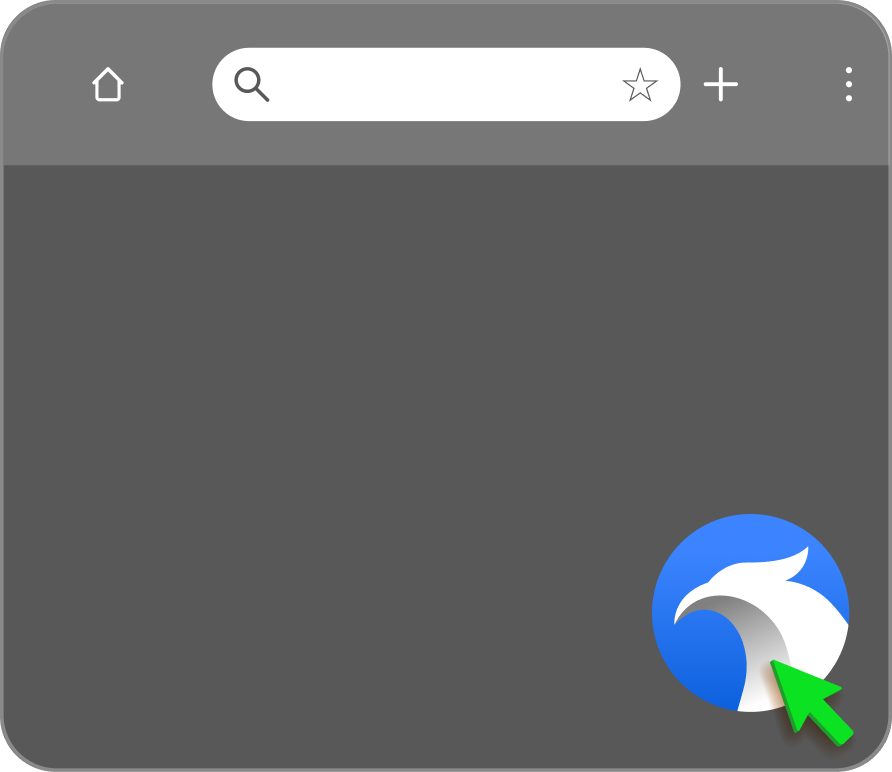
Opening the Widget
Launch the widget whenever you need it by clicking the icon. Easily drag and drop the widget to customize its position in your browser.
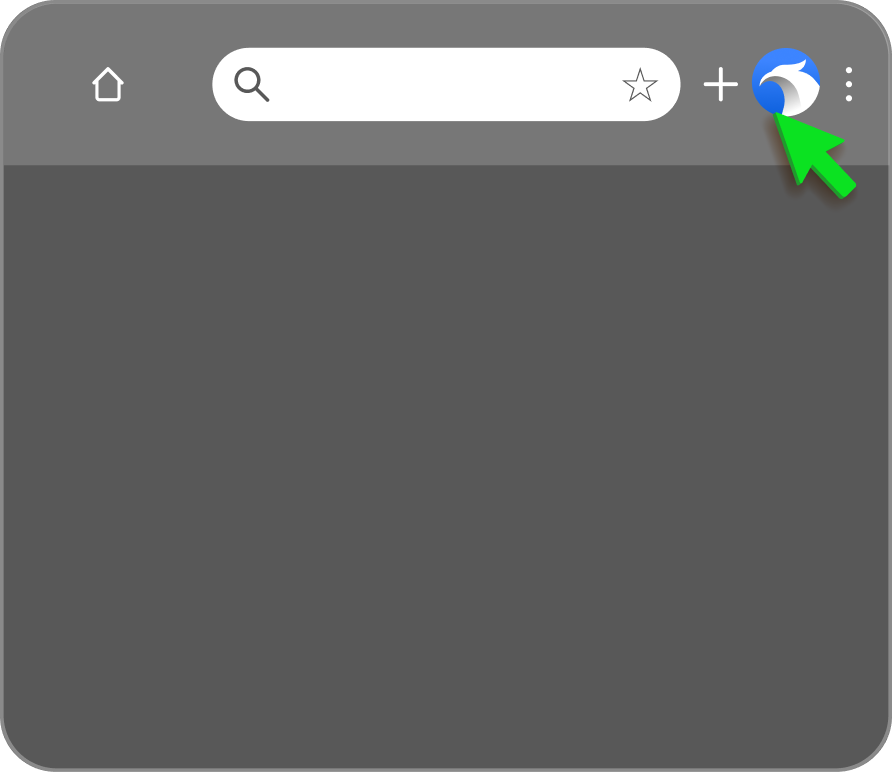
Reactivating the Widget
If the widget is disabled, click the StrongPasswordGenerator icon in the top-right corner of your browser and select "Activate widget everywhere" to turn it back on.
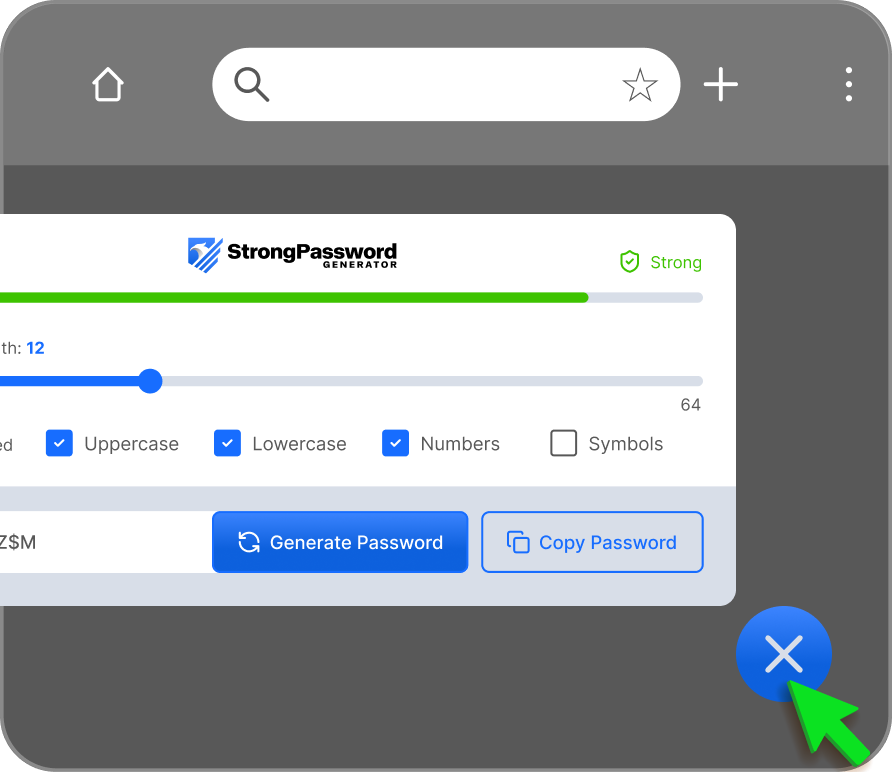
Closing the Widget
Once you're finished using StrongPasswordGenerator, simply click the "X" icon to close the widget.
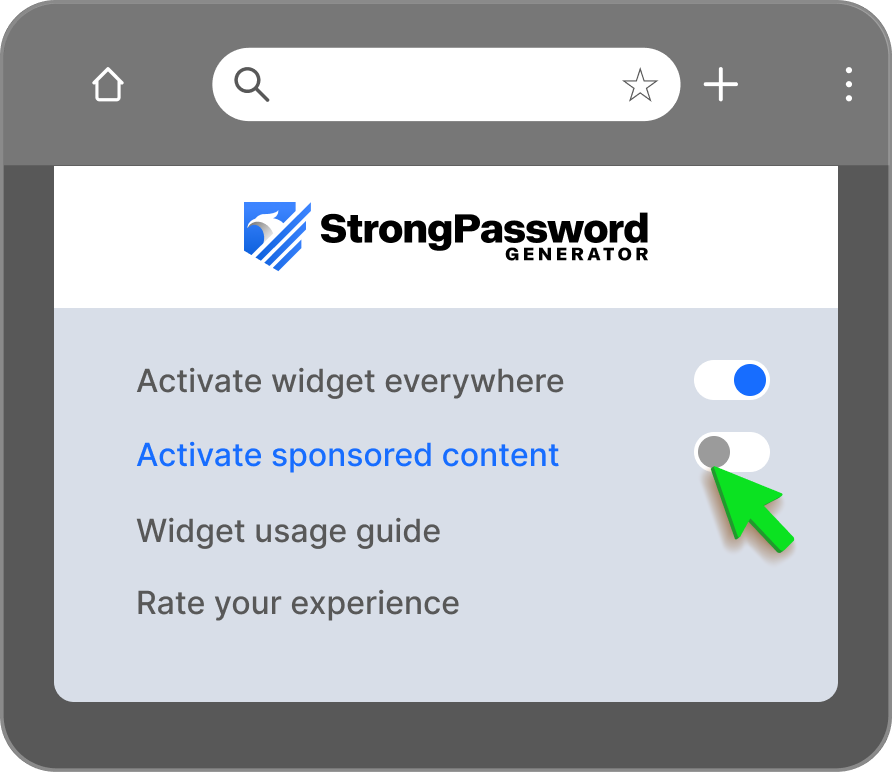
Sponsored Content
Sponsored content can be turned off by setting "Activate sponsored content" to Off.
Getting Started
Install the extension
Click the "Add to Chrome - It's Free" button to start. It's a quick and easy setup.
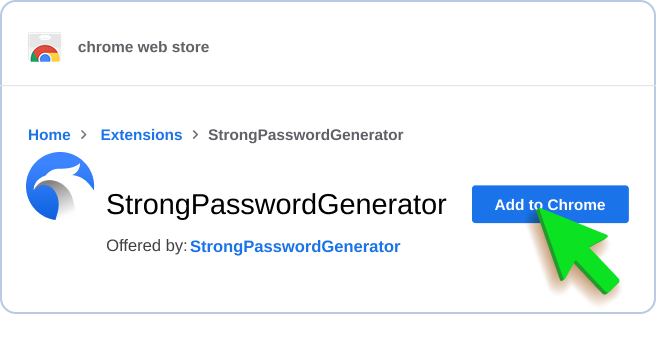
Add to Chrome
In the Chrome Web Store, click the "Add to Chrome" button in the top-right corner.
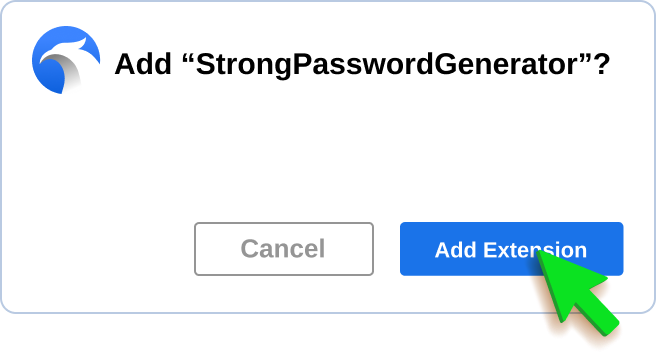
Confirm Installation
Click "Add Extension" in the confirmation dialog to complete the process. You're all set!